Cards
At some point I ended up watching some videos by LeafBranchGames about setting up a card system in blueprint. Afterwards I was inspired to try to make something similar, but with multiplayer added in to test myself on my replication knowledge. At first I wanted to try all blueprint, but after a few failed versions I went back to mixing C++ and blueprint.
I’m sure there are many better ways to go about this, but I decided to do everything with UI only to get some more practice with UMG and UI in general. The repository can be found here.
Overview
I’ll preface this with a few words. This system isn’t really a game, and isn’t fun to play because there’s no real rules for how to play, who wins, etc. I only wanted to see if I could make a replicated, UI-only system with some basic game-like flow. Also the UI doesn’t look great at all. :wink-face
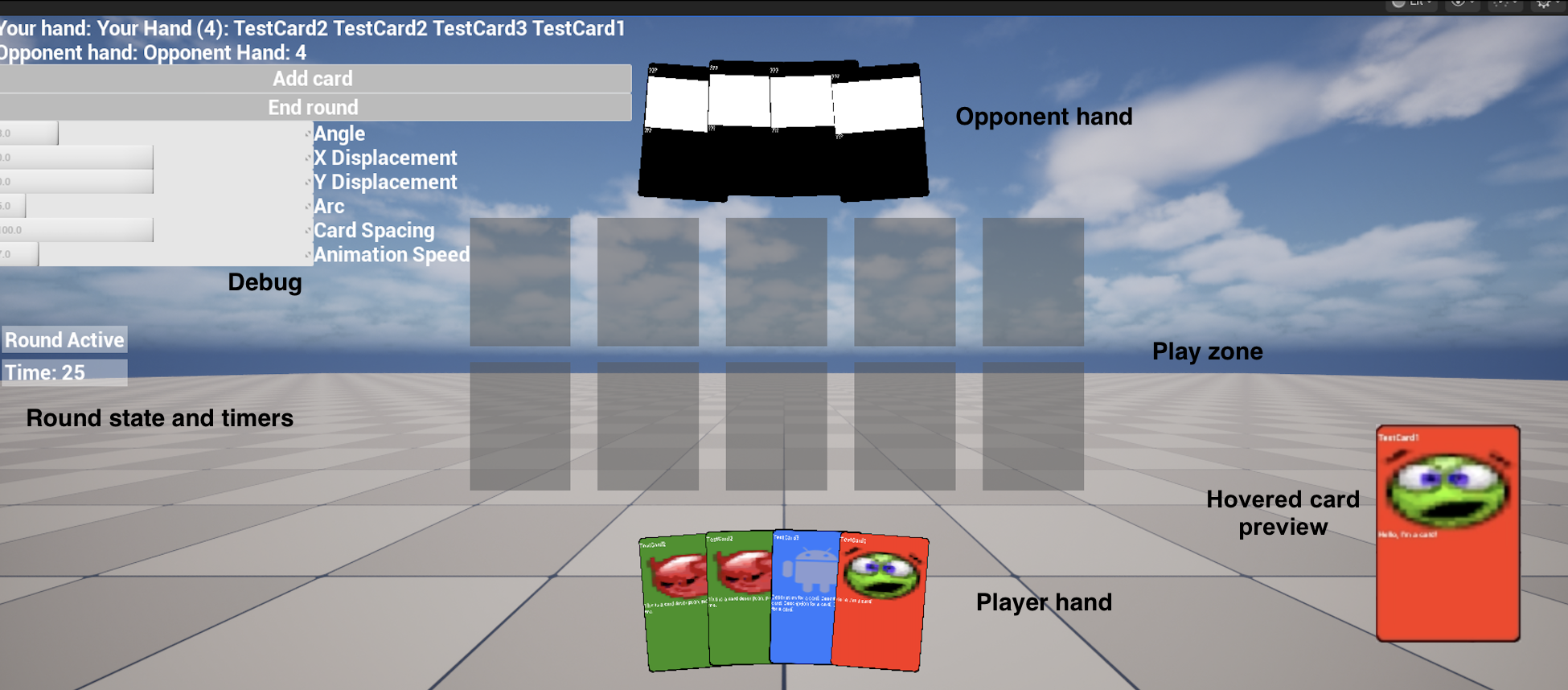
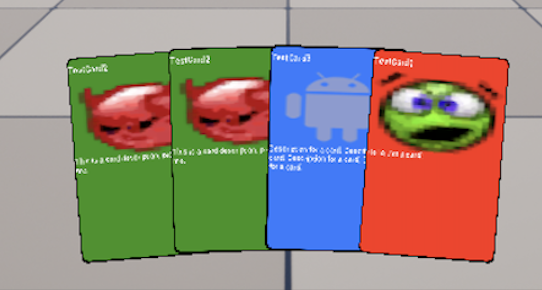
On play, each player is assgined a HUD derived from CardGameHudWidget, and each player is given a number of cards. Cards can be interacted with by hovering to inspect or dragging into the play zone. Once cards are locked into a slot they can no longer be interacted with.
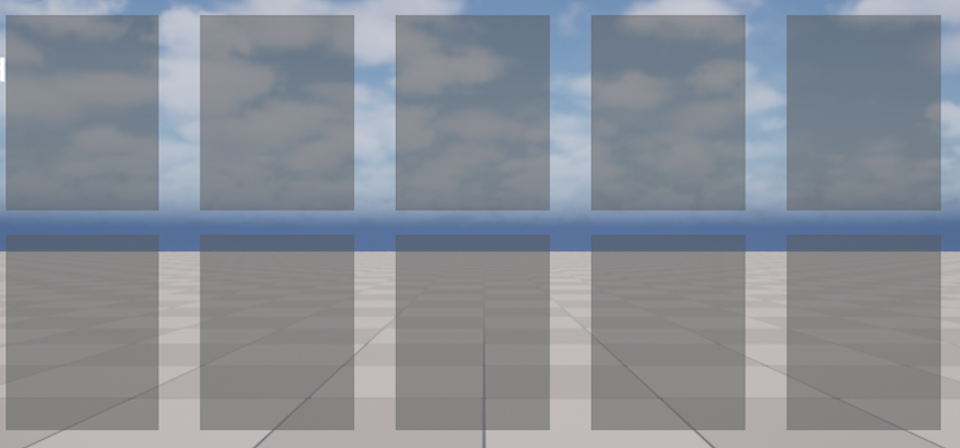
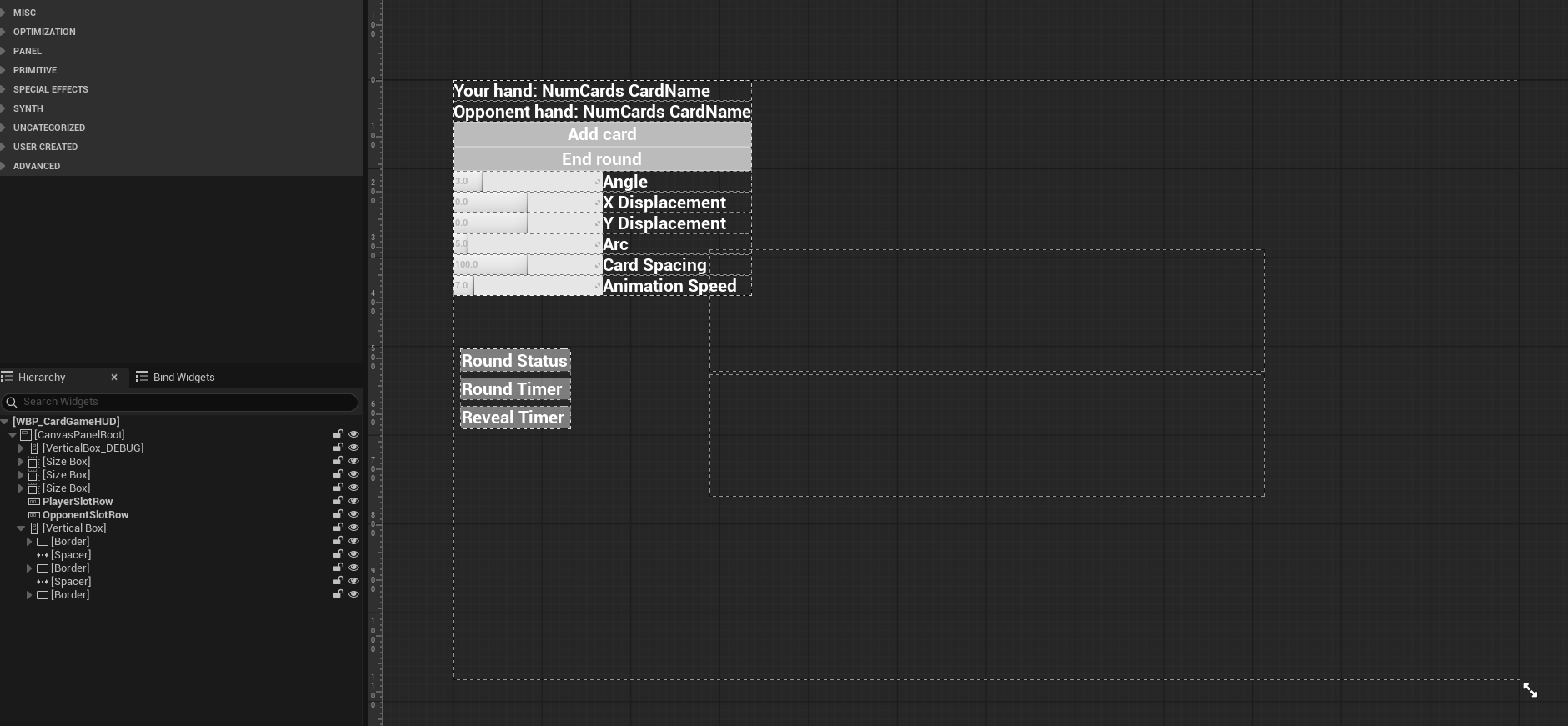
The round state and timers are used to give some basic game flow, where during Round Active players are interact with or play cards. Players can wait for the timer to count from 30s to 0s, which will end the round, or the end round button in the Debug section can be pressed. If both players press the end round button, the round will end early.
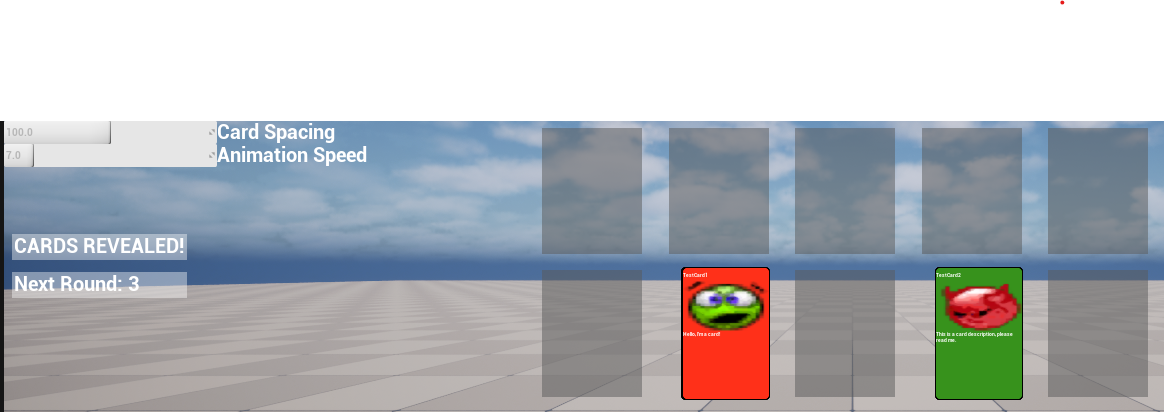
Once the round ends, the game state becomes CARDS REVEALED!, which initiates the end of round flow. During end of round flow all cards in the play zone are revealed. CARDS REVEALED! state has a timer that also counts down to indicate how long until the next round starts. When a new round starts, cards are removed from the player’s hands and also from the play zone. At this point the process described above can be repeated to go through a new round.
The debug section can be used to tweak the transform of the player’s cards. Opponent cards are fixed and cannot be changed dynamically. The add card button was helpful early on, so I just kept it.
The System
Every blueprint is backed by a parent C++ class. C++ parents and associated blueprints are:
- Card
- CardGameCardData
- DT_CardGameCardDB
- CardGameDragDropOperation
- CardGameCardData
- Game
- CardGameGameMode
- BP_CardGameGameMode
- CardGameGameState
- BP_CardGameGameState
- CardGameGameMode
- Player
- CardGamePlayerController
- BP_CardGamePlayerController
- CardGamePlayerState
- BP_CardGamePlayerState
- CardGamePlayerController
- UI
- CardGameCardSlotWidget
- WBP_CardGameCardSlot
- CardGameCardWidget
- WBP_CardgameCard
- CardGameHudWidget
- WBP_CardGameHUD
- CardGameCardSlotWidget
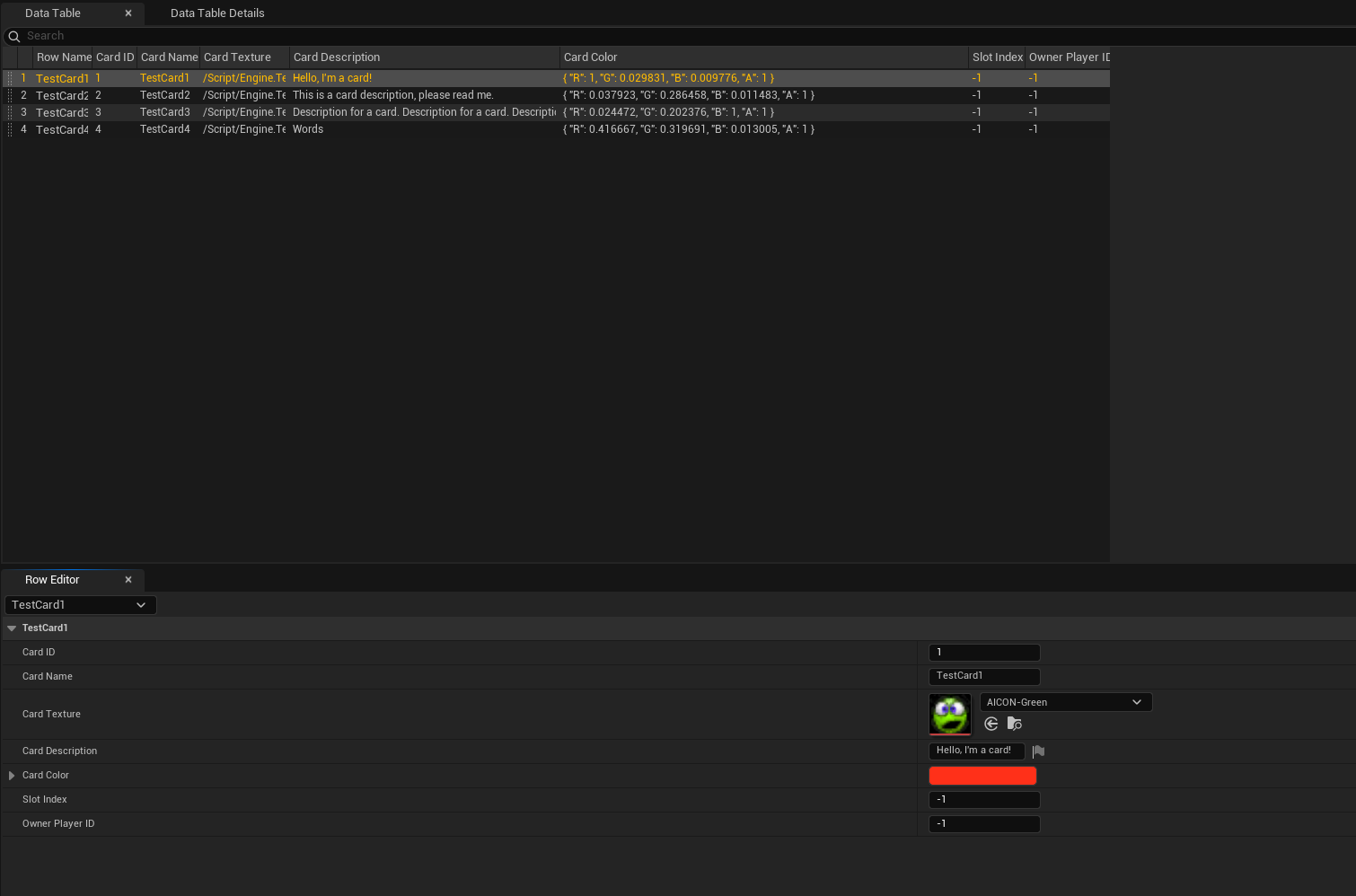
C++ takes care of almost everything, so most of the blueprints are empty. Most variables can be changed inside each respective blueprint as needed to avoid hard-coded magic numbers. DT_CardGameCardDB is filled out with some test cards, and every WBP at least has associated setup according to the binds requested in C++.
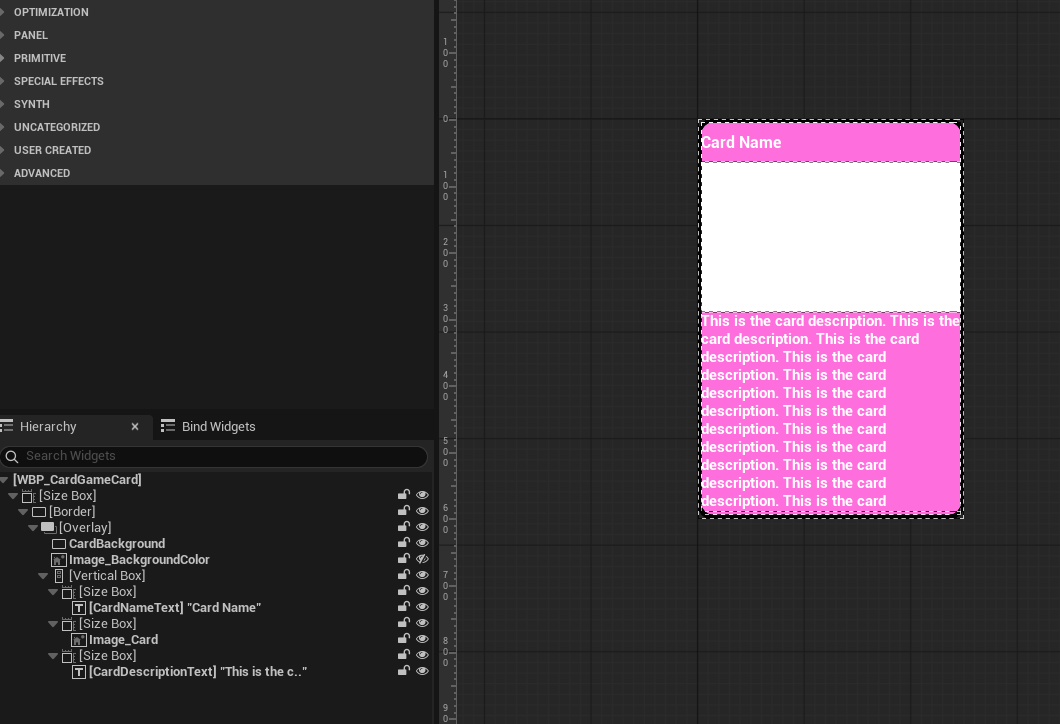
The widgets could be setup in a more modular way by creating a bunch of small WBP widget elements added onto a main widget, ie for WBP_CardgameCard, instead of directly adding size boxes and text, make those sections as widgets then add them into WBP_CardgameCard. I didn’t do that for this, but have it marked as a potential TODO.
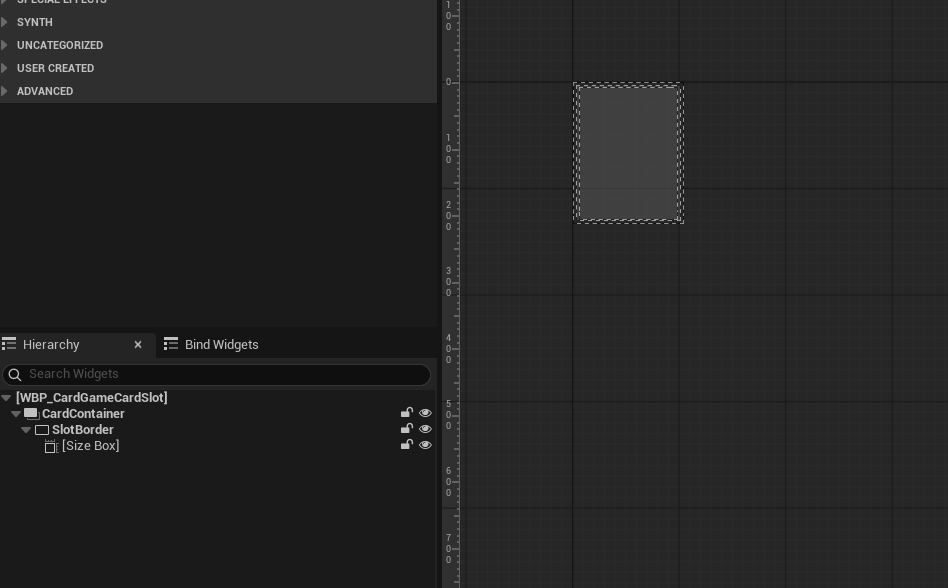
As reference, this is what the widget blueprints look like on the inside.
WBP_CardGameCardSlot
WBP_CardgameCard
WBP_CardGameHUD
The data table is setup like below.
Lessons Learned
-
When dealing with P2P, UI only I need to make sure to make sure of client RPCs so that host and client stay in sync.
-
I’m not sure if it’s because I prefer to use C++, but using blueprint only is WAY harder than I thought it would be. This really cemented the idea that it’s better mix C++ and blueprint, rather than just use one or the other.
-
For a system this small it’s probably OK, but all my widget blueprints use size boxes for just about everything. Spacers might be better when consdiering performance.
-
I started making the widget blueprints very very small with the thought that I needed everything to fit onto the HUD. Eventually I ran into issue when dealing with scaling. I learned it’s better to make the widget larger, more high resolution, and then scale it down from there. Overall this seems like a better way to keep the widget(s) looking better.
Some Potential TODO Ideas
- Add extra validation for cheating
- Although it’s tough to mitigate this in a P2P system
- Replace current replication flow with FFastArraySerializer
- Implement a widget pool for the cards
- Add a scoring system so that players can play a number of rounds and “win”.
- Add special interactions depending on card type/color/etc
- Redo UI to be more modular to have better flexibility for changes
- Update the UI to look better
- Cards
- Hand and play zones
- Game state timer zone